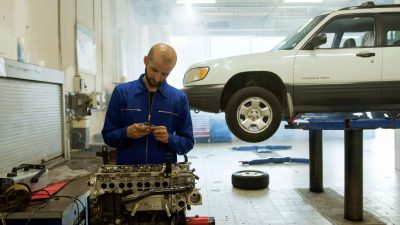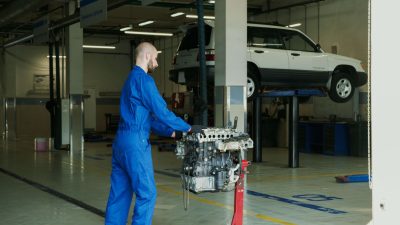
Running an automotive garage involves much more than repairing vehicles. Garage owners and managers need to handle customer details, vehicle records, appointments, job cards, spare parts, technician work, billing, payments, and daily follow-ups. When these tasks are managed manually, small mistakes can quickly become bigger problems.
automotive garage software can help bring these daily activities into a more organized workflow. Instead of keeping information in different notebooks, spreadsheets, or separate files, a garage can manage important information through a connected digital process.
The goal is not simply to use technology. The real goal is to save time, reduce repeated work, improve customer service, and help the garage team work in a more organized way. In this guide, we will discuss five smart ways to run your garage better.
Table of Contents
Why Modern Garages Need Better Management
A busy garage may handle several vehicles at the same time. One customer may be waiting for an oil change, another vehicle may be under repair, and another may be waiting for spare parts. At the same time, the service advisor may need to answer calls, update customers, prepare estimates, and manage billing.
automotive garage software can help organize these activities so employees have easier access to the information they need. When customer, vehicle, service, and billing details are properly maintained, the team can spend less time searching for information and more time focusing on customers and repairs.
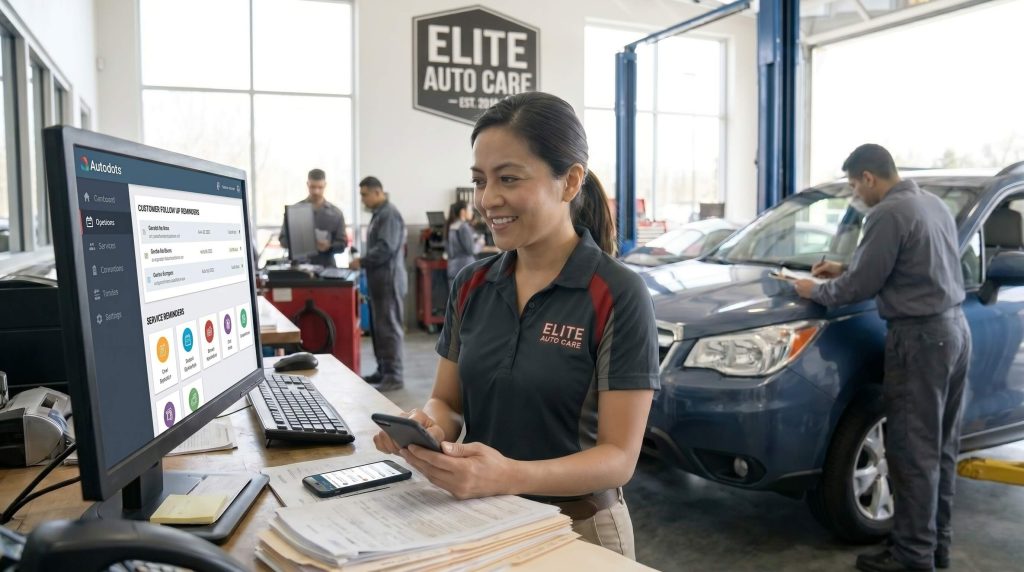
5 Smart Ways to Run Your Garage Better
1. Keep Customer and Vehicle Information Organized
Customer information is one of the most important parts of a garage business. A proper record can include the customer’s name, phone number, vehicle registration number, vehicle model, mileage, previous service details, and other useful information.
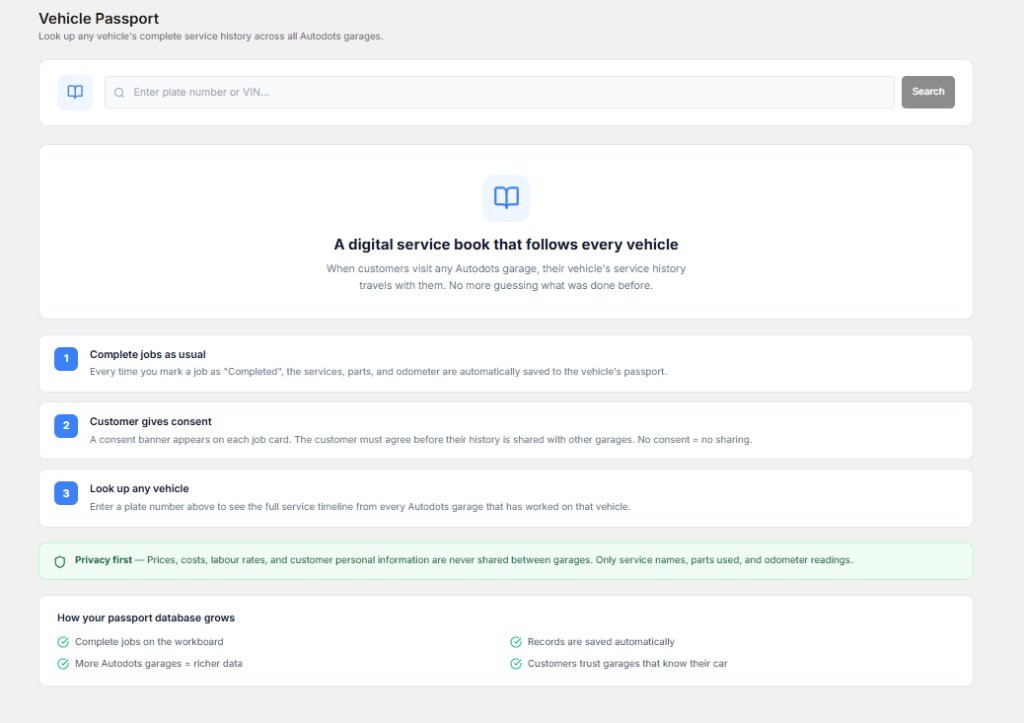
When these details are written in different places, employees may struggle to find the correct information when a customer returns. This can make the service process slower and may also lead to repeated questions.
With automotive garage software, customer and vehicle information can be kept in an organized digital record. Service advisors can quickly check the vehicle history and understand what work was completed during previous visits.
This is especially helpful for regular customers. Instead of asking the same basic questions every time, the team can review the existing record and provide a more personal service experience.
2. Manage Appointments More Efficiently
Appointments help garages plan their daily workload. Without proper scheduling, several customers may arrive at the same time, while technicians may have difficulty managing the available work.
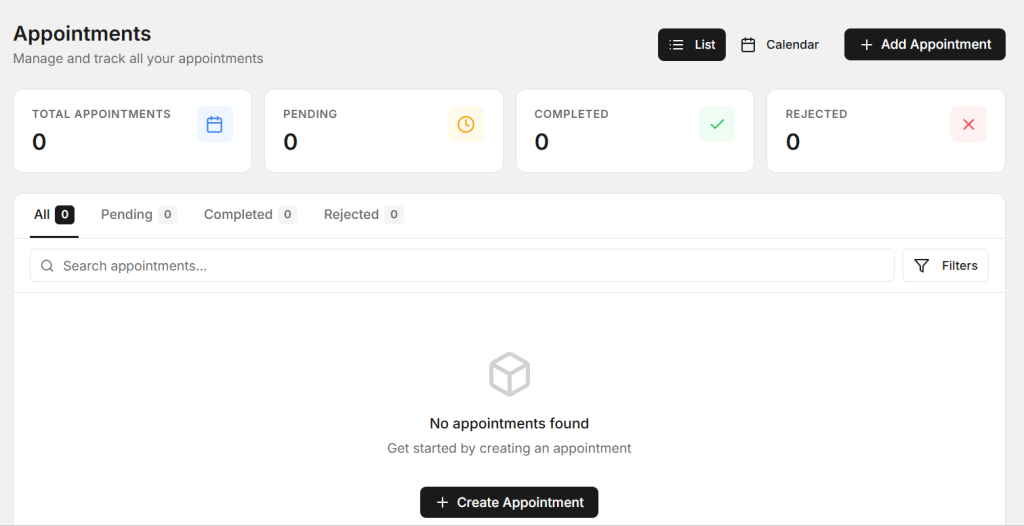
A clear appointment process allows the garage to understand which vehicles are expected, what service they need, and when the customer plans to visit.
automotive garage software can help service teams organize bookings and customer information in one place. This can make it easier to plan technician work and avoid unnecessary confusion during busy hours.
Appointment reminders can also help reduce missed bookings. Customers are more likely to remember their service time when they receive a simple reminder before visiting the garage.
3. Improve Job Card Management
A job card is an important part of the repair process. It can contain the customer’s complaint, vehicle information, inspection findings, services required, technician notes, spare parts used, and repair status.
When job cards are managed on paper, they can be misplaced or become difficult to read. Service advisors may also need to ask technicians for updates because the latest information is not easily available.

automotive garage software can help create and manage digital job cards. The team can keep repair information organized and follow the progress of each vehicle.
This can improve communication between service advisors and technicians. When a customer asks about the vehicle, the service advisor can check the current job information before providing an update.
4. Control Spare Parts and Inventory
Spare parts are another important area of garage management. A workshop may keep filters, oils, brake pads, batteries, spark plugs, belts, bulbs, sensors, and many other products in stock.

If inventory is not tracked properly, the garage can run out of important parts or purchase too many products that are rarely used. Both situations can create unnecessary costs.
automotive garage software can help organize product information, stock quantities, parts used for repairs, and purchasing activity. This gives the garage a clearer view of available inventory.
The team can also identify fast-moving products and pay more attention to their stock levels. This can help reduce delays when technicians need commonly used parts during repairs.
5. Make Billing Faster and Clearer
Billing is the final stage of many garage visits, so it should be simple and accurate. A customer invoice may include labor charges, spare parts, services, taxes, discounts, and the final amount.
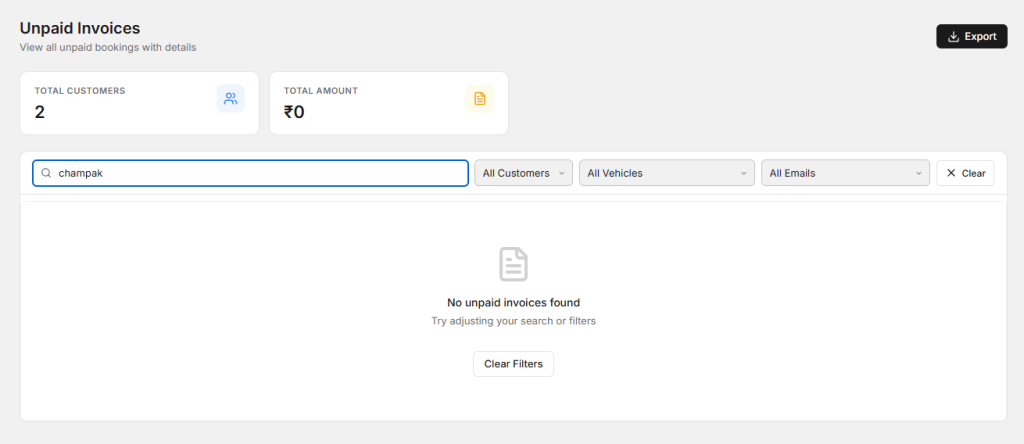
Preparing invoices manually can take extra time, especially when employees need to collect information from job cards and parts records. Manual calculations can also create avoidable mistakes.
automotive garage software can help organize services, labor, parts, and customer information for faster invoice preparation. When the billing process is connected with the repair workflow, employees can reduce repeated data entry.
A clear invoice also improves customer communication. Customers can easily see what work was completed, which parts were used, and how the final amount was calculated.
How Better Garage Management Saves Time
Time is valuable in every automotive business. Employees often spend a surprising amount of time looking for customer records, checking stock, searching for job cards, calculating invoices, or asking other team members for updates.
A connected digital workflow can reduce many of these repeated tasks. Information can be stored in a structured way, making it easier for employees to find what they need.
This does not mean every task becomes automatic. Employees still need to inspect vehicles, communicate with customers, perform repairs, and check invoices. However, reducing unnecessary administrative work gives the team more time to focus on these important activities.
Improve Communication Between Service Advisors and Technicians
Good teamwork is essential for a busy garage. Service advisors need to understand what technicians have found, while technicians need clear information about customer complaints and approved repairs.
When information is stored in one place, both teams can work with the same details. This can reduce misunderstandings and make the repair process easier to follow.
Technicians can update repair information, while service advisors can use those updates when speaking with customers. This creates a smoother flow of information throughout the garage.
Keep Customers Updated During Repairs
Customers do not always know what happens after they leave their vehicle at the garage. They may want to know whether the inspection is complete, whether additional repairs are required, whether spare parts are available, and when the vehicle will be ready.
Regular updates can reduce uncertainty and help customers feel more comfortable with the service process.
A good communication process should provide useful information at important stages instead of sending unnecessary messages. Appointment confirmation, inspection results, repair approval, delays, completion, and vehicle delivery are useful communication points.
Use Vehicle History to Provide Better Service
Vehicle history can help a garage understand the customer’s previous service activity. It may show earlier repairs, maintenance work, parts replaced, inspection findings, and recommendations.
When the customer returns, service advisors can review this history before discussing the current service. This can make conversations more useful and help the team understand the vehicle better.
A complete history can also help identify recurring issues. If the same problem appears several times, the technician and service advisor can review previous records and investigate the situation more carefully.
Benefits of Better Garage Management
- Better customer record management
- More organized appointment scheduling
- Improved job card tracking
- Better spare parts control
- Faster invoice preparation
- Less repeated data entry
- Better communication between employees
- Improved customer updates
- More organized service history
- Better daily workflow
These improvements can help garages handle more work without making daily operations unnecessarily complicated. The main benefit is better organization across different parts of the business.
How AutoDots Can Help Modern Garages
AutoDots provides digital solutions designed to help automotive businesses manage their daily operations. A connected platform can help teams organize customer information, vehicle services, appointments, job cards, inspections, inventory, billing, and other workshop activities.
automotive garage software can be useful for garages that want to move away from scattered manual records and create a more organized digital workflow. The right system can help employees access important information faster and manage everyday tasks more efficiently.
Businesses interested in automotive technology and partnership opportunities can explore the AutoDots partner program to learn more.
For more automotive business guides, workshop tips, and useful technology information, visit the AutoDots blog.
Simple Steps to Improve Your Garage Today
Start by identifying the tasks that take the most time in your garage. These may include appointment handling, customer record management, job card updates, stock checking, billing, or customer follow-ups.
Once you know where the biggest problems are, create a simple process for each task. Employees should know what information needs to be recorded and when it needs to be updated.
Keep customer and vehicle information accurate. Make sure technicians update repair details, service advisors record customer approvals, and inventory records are changed when parts are received or used.
Finally, review the process regularly. Ask employees where they face delays and look for ways to reduce unnecessary steps. Small improvements can make a noticeable difference when they are repeated every day.
Common Garage Management Problems to Avoid
One common problem is keeping important information in too many places. When customer details, job cards, inventory records, and billing information are separated, employees may spend more time searching for information.
Another problem is delaying updates. If a technician completes a repair but the job status is not updated, the service advisor may give the customer incorrect information.
Garages should also avoid relying completely on memory. A busy workshop has too many customers, vehicles, parts, and tasks for employees to remember everything accurately.
Finally, avoid making the process more complicated than necessary. Good garage management should make daily work easier, not add unnecessary steps.
Frequently Asked Questions
What is automotive garage software?
Automotive garage software is a digital solution that helps garages manage customer records, vehicles, appointments, job cards, inspections, spare parts, billing, and other daily workshop activities.
How can automotive garage software improve garage operations?
automotive garage software can improve garage operations by organizing important information, reducing repeated manual work, improving job tracking, supporting inventory management, and making billing and customer communication easier.
Can small garages use garage management software?
Yes. Small garages can use digital management tools to organize their customer records, appointments, repair jobs, inventory, and billing. A simple digital process can be useful even when the garage has a small team.
Can garage software help with spare parts?
Yes. A suitable system can help garages maintain product records, monitor available quantities, track parts used during repairs, and review purchasing requirements.
Can garage software improve customer service?
Yes. When customer, vehicle, appointment, and repair information is organized, service advisors can provide faster and more accurate updates. Clear billing and better service history can also improve the overall customer experience.
Conclusion
Running a garage efficiently requires good control over many daily activities. Customer records, appointments, job cards, inspections, spare parts, billing, and communication all need to work together.
automotive garage software provides a practical way to organize these activities and reduce unnecessary manual work. By keeping information in a connected workflow, garages can improve visibility, save time, reduce mistakes, and make everyday operations easier for employees.
The goal is simple: keep customer information organized, manage repair work clearly, control spare parts, prepare accurate invoices, and keep customers informed. With the right digital approach, a garage can create a smoother workflow and provide a more professional service experience.