
Billing is one of the final and most important steps in a workshop service process. After technicians complete a repair, the customer expects a clear invoice that shows the services, labor charges, spare parts, taxes, and final amount. When invoices are prepared manually, the process can take more time and may lead to calculation or data entry mistakes.
Workshop Invoice Software can help workshops create a faster and more organized billing process. Instead of preparing every invoice from scratch, service advisors can use customer, vehicle, repair, and parts information that is already available in the system.
Faster billing does not mean rushing through the invoice. It means reducing unnecessary manual work while keeping the invoice accurate and easy for customers to understand. In this guide, we will discuss six simple ways to make workshop billing faster and more efficient.
Table of Contents
Why Fast and Accurate Billing Matters
Customers usually want to complete the payment process quickly after their vehicle is ready. If the invoice takes too long to prepare, the customer may have to wait even though the repair itself is already finished.
Workshop Invoice Software can help reduce this waiting time by organizing important billing information. Service advisors can use details from the repair job, parts used, and customer records instead of entering everything again.
A well-organized billing process can also make the final invoice easier to understand. Clear information about services, parts, labor, and charges can help customers feel more confident about the amount they are paying.

6 Simple Ways to Bill Customers Faster
1. Keep Customer and Vehicle Details Ready
Entering customer and vehicle information every time an invoice is created can waste time. A workshop should maintain basic details such as customer name, contact information, vehicle number, vehicle model, and other useful information.
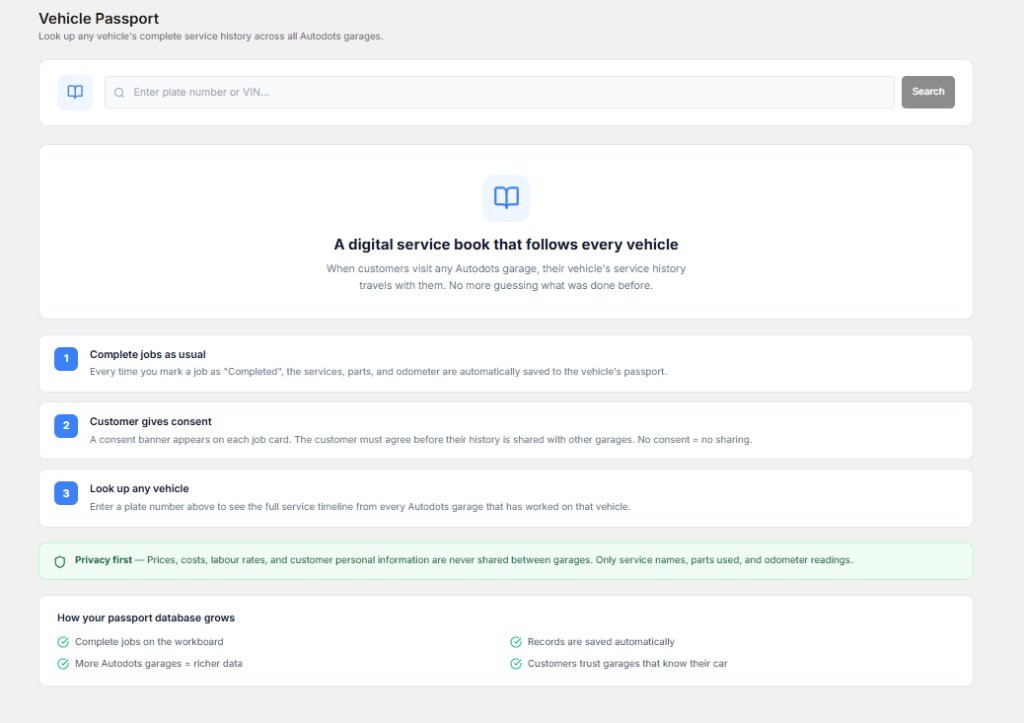
When these details are already stored, employees can use them while preparing a new invoice. This reduces repeated typing and helps avoid mistakes in customer or vehicle information.
Workshop Invoice Software can keep customer and vehicle records organized so service advisors can access the required information more quickly during billing.
2. Add Services and Labor Easily
Workshop invoices usually contain different services and labor charges. If employees have to type every service manually, invoice preparation can become slow, especially during busy hours.
Create a clear list of commonly used services and labor items. This allows service advisors to select the required items instead of entering the same information repeatedly.
A structured service list can also help maintain consistent names and prices across different invoices. This makes billing easier for employees and clearer for customers.
3. Add Spare Parts Directly From the Job
Spare parts are an important part of many repair invoices. The billing team needs to know which products were used, how many were used, and what price should be charged.

When parts are connected with the repair job, the service advisor can review the items used by the technician and include them in the invoice.
Workshop Invoice Software can support a connected billing process where services, labor, and spare parts are organized together. This can reduce repeated data entry and help improve invoice accuracy.
4. Use Automatic Calculations
Manual calculations can create unnecessary work and increase the chance of mistakes. Invoices may include labor charges, parts prices, discounts, taxes, and other amounts.
A digital billing process can calculate totals automatically based on the information entered. This saves time and reduces the need for employees to calculate every amount separately.
Automatic calculations are especially useful when an invoice contains many line items. Employees can focus on checking the information instead of spending time doing basic calculations.
5. Keep the Invoice Simple and Clear
A good invoice should be easy for customers to understand. It should clearly show the vehicle information, services performed, parts used, labor charges, taxes, discounts if applicable, and final amount.
Avoid adding unnecessary information that can make the invoice difficult to read. Use clear item names and organize charges in a logical order.
A simple invoice can also make payment discussions easier because customers can quickly understand what they are being charged for.
6. Complete Billing Before Vehicle Delivery
Billing should be part of the workshop workflow rather than a separate task that starts only after the vehicle is ready. When the repair is nearing completion, the service advisor can start checking the invoice details.
Services, labor, spare parts, and customer approvals can be reviewed before the final delivery stage. This reduces the chance of discovering missing information at the last minute.
Workshop Invoice Software can help connect repair information with billing so the team can prepare the invoice more efficiently before the customer arrives to collect the vehicle.
How Digital Billing Reduces Manual Work
Manual billing often requires employees to collect information from different places. They may check the job card for repair details, ask the technician about parts, calculate totals, and then enter everything into an invoice.
A connected digital process can bring much of this information together. When customer, vehicle, job, service, and parts information is organized, employees can prepare invoices with fewer repeated steps.
Workshop Invoice Software can therefore help reduce administrative work and allow service advisors to spend more time communicating with customers.
How Faster Billing Improves Customer Experience
A customer’s workshop experience does not end when the repair is completed. The payment and vehicle delivery process also affects their overall impression of the garage.
If customers have to wait for a long time while the invoice is prepared, they may feel that the workshop is not well organized. A faster billing process can make vehicle delivery smoother.
Clear invoices also help customers understand what work was completed and what they paid for. This can support better communication and build trust over time.
Benefits of Better Workshop Billing
- Faster invoice preparation
- Less repeated data entry
- Reduced calculation mistakes
- Better customer and vehicle records
- Clearer service and parts details
- More organized billing workflow
- Faster vehicle delivery
- Better invoice accuracy
- Improved customer experience
These benefits can help workshops handle billing more efficiently, especially during busy service hours.
Connect Billing With Inventory
Parts billing and inventory management are closely connected. When a spare part is used for a repair, the stock quantity should be updated and the same part may need to appear on the customer’s invoice.
Keeping these processes connected can reduce duplicate work. Employees do not have to enter the same product information separately in multiple places.
This also helps the workshop maintain better records of which parts were used and which products remain available in inventory.
Connect Billing With Job Cards
Job cards contain important information about the customer’s repair. They may include complaints, inspection results, technician notes, services performed, and parts used.
When billing is connected with the job card, service advisors can use this information while preparing the final invoice. This helps reduce missing items and makes the billing process more consistent.
A connected workflow can also make it easier to review the complete repair history when customers have questions about their invoice.
How AutoDots Can Help Modern Workshops
AutoDots provides digital solutions designed to help automotive businesses organize their daily workshop operations. Modern tools can help teams manage customer information, vehicle services, appointments, job cards, inventory, billing, and other important activities.
Workshop Invoice Software can be useful for workshops that want to reduce manual billing work, organize invoice information, and create a smoother process from repair completion to customer payment.
Businesses interested in automotive technology and partnership opportunities can explore the AutoDots partner program to learn more.
For more automotive business guides, workshop tips, and useful technology information, visit the AutoDots blog.
Simple Tips for Faster Workshop Billing
Start by creating a standard billing process for your service team. Decide which information should be checked before an invoice is finalized.
Keep customer, vehicle, service, labor, and parts information updated. This makes it easier to prepare invoices without searching through multiple records.
Use standard service names and pricing information where possible. This reduces confusion and helps employees create consistent invoices.
Before finalizing an invoice, quickly review the vehicle details, services, parts, quantities, taxes, discounts, and total amount. A short review can help catch errors before the customer receives the bill.
Common Workshop Billing Problems to Avoid
One common problem is preparing invoices completely from scratch. This creates unnecessary work and increases the chance of typing mistakes.
Another problem is forgetting parts or services that were included in the repair. A proper job card and connected billing process can help reduce this issue.
Workshops should also avoid unclear invoices. If customers cannot understand the charges, they may have questions or concerns during payment.
Finally, avoid delaying billing until the last moment. Preparing and checking invoice information earlier can make vehicle delivery faster and smoother.
Frequently Asked Questions
What is workshop invoice software?
Workshop invoice software is a digital solution that helps automotive workshops create, manage, and organize customer invoices for vehicle services, labor, spare parts, taxes, and other charges.
How can Workshop Invoice Software help workshops bill faster?
Workshop Invoice Software can help workshops reuse customer and vehicle information, add services and parts quickly, calculate totals automatically, and connect billing with repair jobs.
Can small workshops use digital invoicing?
Yes. Small workshops can use digital invoicing tools to reduce paperwork, prepare invoices faster, maintain better records, and create a more professional billing experience.
Can invoice software track spare parts?
When billing is connected with inventory, spare parts used during a repair can be added to the invoice while their stock information can also be updated.
Does faster billing improve customer satisfaction?
Faster billing can reduce waiting time during vehicle delivery. Clear and accurate invoices can also make it easier for customers to understand the work and charges.
Conclusion
Fast and accurate billing is an important part of a well-organized workshop. When invoices are prepared manually, employees may spend extra time entering information, calculating totals, and checking different records.
Workshop Invoice Software provides a practical way to organize customer details, vehicle information, services, labor, spare parts, calculations, and final invoices. By connecting billing with job cards and inventory, workshops can reduce repeated work and improve the overall service process.
The goal is simple: prepare accurate invoices quickly, make charges easy to understand, and reduce customer waiting time. With a structured billing process and suitable digital tools, workshops can make vehicle delivery smoother and create a better experience for both employees and customers.