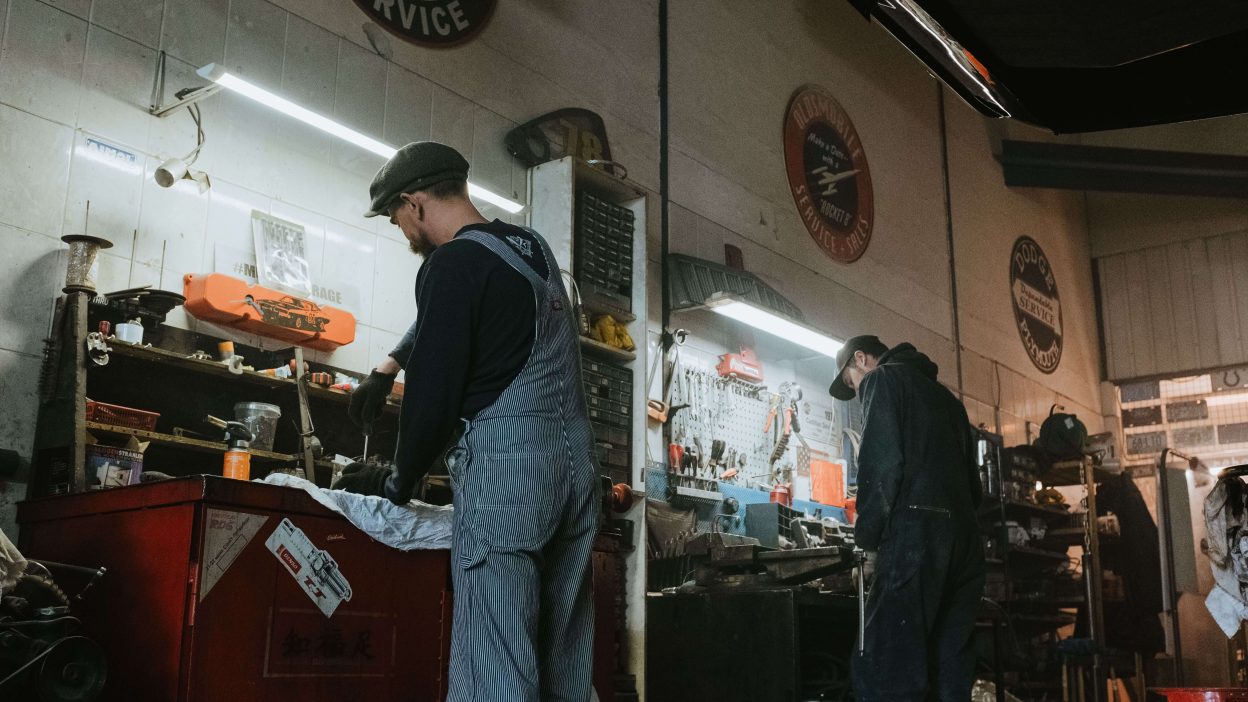
Auto repair workshops handle many documents every day. From job cards and repair estimates to invoices, receipts, and payment records, paperwork can quickly become difficult to manage. When invoices are printed and stored manually, employees may spend extra time searching for old records, correcting mistakes, and keeping files organized.
Paperless Invoicing for Auto Repair is a simple way for workshops to move billing from paper documents to digital records. Instead of printing every invoice, the workshop can create, store, and manage invoices digitally. This can make billing faster, reduce paperwork, and help the team keep customer and vehicle records more organized.
Going paperless does not mean changing the entire workshop process at once. A garage can start with invoicing and gradually move other daily tasks to digital systems. In this guide, we will look at four easy ways to make the change and improve your repair billing process.
Table of Contents
Why Go Paperless With Auto Repair Invoices?
Paper invoices may seem simple, but they can create problems when a workshop handles many customers. Printed documents need physical storage, and finding an old invoice may require checking files one by one.
Paper records can also be damaged, lost, or misplaced. If a customer asks for an old invoice, the service advisor may have to spend time searching for it.
Paperless Invoicing for Auto Repair helps move these records into a digital workflow. Invoices can be connected with customer and vehicle information, making it easier to find and review billing records when needed.
For a busy workshop, this can mean less paperwork at the service desk and more time for customers and repair operations.
4 Easy Ways to Go Digital With Auto Repair Billing
1. Create Digital Invoices Instead of Printing Every Bill
The first step toward a paperless workshop is to stop depending on printed invoices for every repair. A digital invoice can contain the same important information as a paper document, including customer details, vehicle information, repair services, parts, labor, taxes, discounts, and the final amount.
Once the invoice is created, the workshop can provide it to the customer digitally through the available communication method supported by its system.
Paperless Invoicing for Auto Repair can make the billing process more convenient because employees do not need to print, organize, and physically store every invoice.
Digital invoices can also make the final vehicle delivery process smoother. After checking the repair and invoice details, the service advisor can complete the billing process without waiting for printing or searching for paper forms.
This is a small change, but it can make a noticeable difference in a workshop that creates many invoices every day.
2. Connect Invoices With Repair Jobs
A vehicle invoice should be connected with the work completed on that vehicle. If the invoice is created separately, the service advisor may need to collect information from job cards, technician notes, parts records, and other documents.
This can increase the amount of manual work involved in billing.
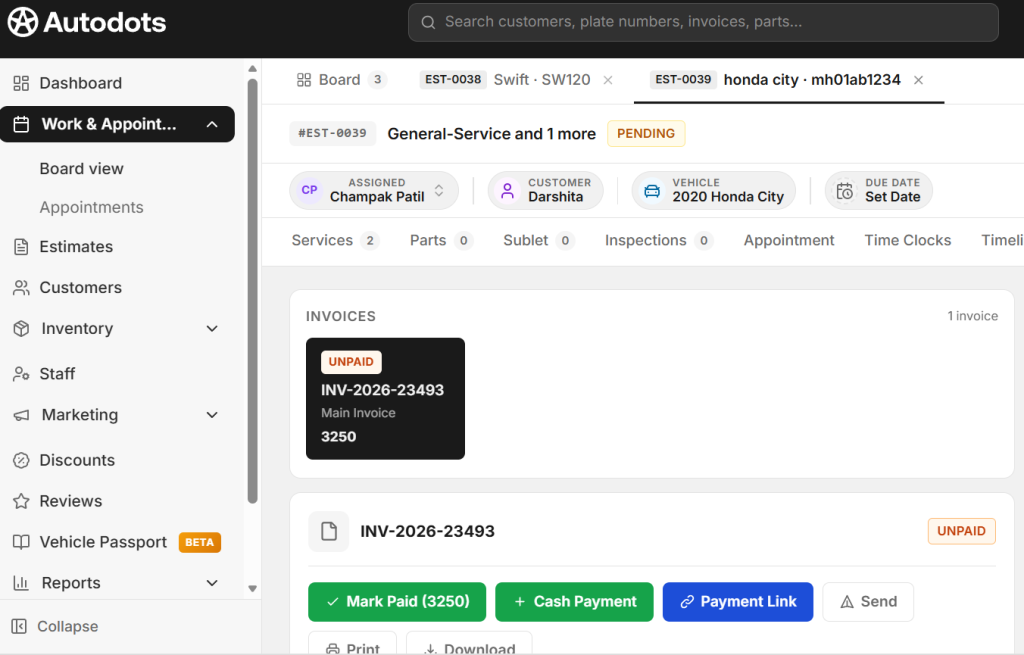
A connected digital workflow can keep customer details, vehicle information, repair jobs, parts, labor, estimates, and invoices together. This allows the service advisor to review the completed repair before creating the final bill.
Paperless Invoicing for Auto Repair can help reduce repeated data entry when invoice information comes from the existing repair record.
For example, if a vehicle receives an oil change, filter replacement, and additional approved repair, the service advisor can review the completed job details before preparing the invoice. This can reduce the need to copy information from several paper documents.
It can also make it easier to check whether the final invoice matches the work completed.
3. Store Customer and Vehicle Billing History Digitally
One of the biggest advantages of going digital is easier record management. A workshop may need to keep invoices for future reference. Customers may return months later and ask about previous repairs, parts, or service charges.
With paper files, finding an old invoice can take time. Employees may need to search through folders based on dates, names, or invoice numbers.
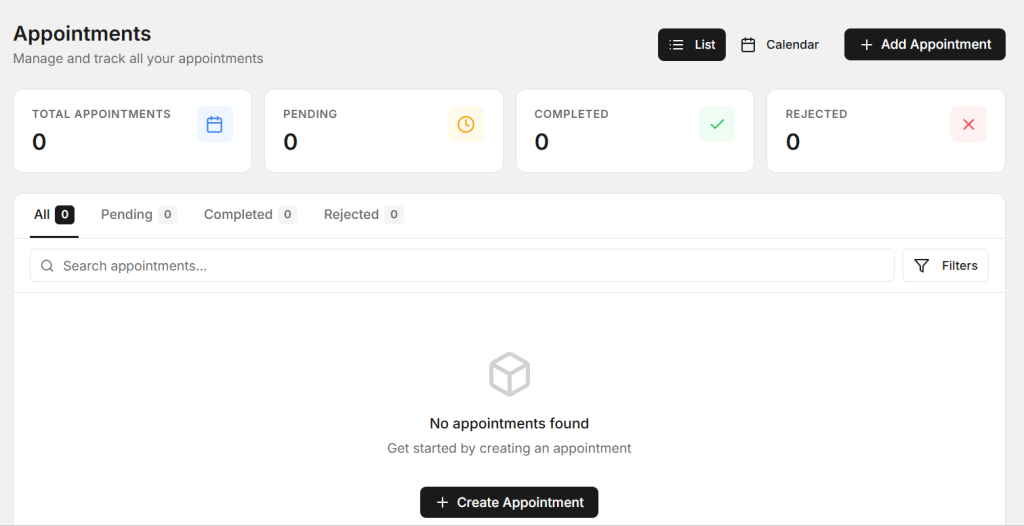
A digital record can make this process easier. Customer and vehicle information can be kept together with previous repair and billing records.
Paperless Invoicing for Auto Repair can help workshops maintain a useful digital history of invoices and services. When a customer returns, the service advisor can review previous records and understand the vehicle’s service history more quickly.
This can also help the workshop provide better customer service. If a customer asks when a particular part was replaced or what work was completed during a previous visit, the team can check the available digital records instead of searching through paper files.
4. Make Payment and Invoice Tracking Digital
Creating an invoice is only one part of the billing process. The workshop also needs to know whether the invoice has been paid, how much was received, and whether any amount is still outstanding.
When payment information is recorded manually, employees may need to check separate receipts or files. This can make daily financial tracking more difficult.
A digital billing workflow can keep payment information connected with the related invoice. The service advisor can update the payment status after receiving the customer’s payment.
Paperless Invoicing for Auto Repair can help reduce the need for separate paper receipts and make invoice records easier to review.
For workshop owners and managers, organized digital payment records can also make it easier to review daily billing activity and identify outstanding customer amounts.
Benefits of Going Paperless in an Auto Repair Workshop
Moving from paper invoices to digital billing can provide several practical benefits. The biggest advantage is that employees spend less time managing documents.
- Less paper used for daily billing
- Less physical storage required
- Faster invoice preparation
- Easier access to previous invoices
- Less repeated data entry
- Better customer and vehicle records
- Easier payment tracking
- Reduced risk of misplaced paper documents
- Faster customer service
- More organized workshop operations
These benefits can become more noticeable as the number of daily repair jobs increases. A workshop that creates dozens of invoices each day can save considerable administrative effort by reducing paper-based processes.
How to Start a Paperless Billing Process
You do not need to change everything in your workshop on the first day. Start with the billing process and build from there.
First, organize your customer and vehicle records. Make sure important details are accurate and easy to find.
Next, connect repair jobs with estimates and invoices wherever possible. This can reduce the need to enter the same information several times.
Then, move payment records into the same digital workflow. Make sure employees update payment status after receiving money from customers.
Finally, train the team to use the new process consistently. A digital system works best when everyone follows the same steps.
Keep Digital Invoices Clear and Simple
Going paperless does not mean invoices should become complicated. Customers still need a simple bill that clearly explains what they are paying for.
A good digital invoice should show the customer information, vehicle details, invoice number, date, repair services, spare parts, labor charges, taxes, discounts, and final amount.
Use simple descriptions instead of unnecessary technical terms. If the customer can quickly understand the invoice, the payment process becomes easier.
Before sending or finalizing the invoice, the service advisor should also check the important details. Make sure the vehicle, parts, labor, prices, taxes, and total amount are correct.
How AutoDots Can Support a Digital Workshop
AutoDots provides digital tools designed to help automotive businesses manage daily workshop activities. These can include customer management, vehicle records, appointments, job cards, inspections, spare parts, estimates, invoices, payments, and other workshop processes.
Paperless Invoicing for Auto Repair can become easier when billing is connected with the rest of the repair workflow. Instead of managing separate paper documents, the workshop can keep customer, vehicle, repair, estimate, invoice, and payment information organized digitally.
For example, a service advisor can create a customer and vehicle record, open a repair job, add inspection findings, prepare an estimate, record approved work, and then use the completed repair details to prepare the final invoice.
This connected process can help reduce paperwork and make it easier for workshop staff to manage billing from vehicle check-in to final payment.
If you are interested in automotive business partnerships, explore the AutoDots partner program.
For more useful information about garage management, automotive technology, and workshop operations, visit the AutoDots blog.
Common Mistakes to Avoid When Going Paperless
One common mistake is moving invoices online without organizing the information behind them. Digital billing works best when customer, vehicle, repair, and payment records are also kept accurate.
Another mistake is allowing employees to use different billing processes. The workshop should create a simple standard process so everyone knows when to create an estimate, update the repair, prepare the invoice, and record payment.
Workshops should also avoid skipping invoice checks just because the system is digital. Digital tools can reduce manual work, but employees should still review important information before sending an invoice to the customer.
Finally, make sure important business records are handled securely and that access to billing information is limited to appropriate team members.
Frequently Asked Questions
What is Paperless Invoicing for Auto Repair?
Paperless Invoicing for Auto Repair means creating, managing, storing, and sharing auto repair invoices digitally instead of depending on printed invoices and paper files.
Can paperless billing save workshop time?
Yes. Digital billing can reduce printing, manual filing, repeated data entry, and the time required to search for old invoices.
Can digital invoices include parts and labor?
Yes. A digital repair invoice can include services, spare parts, labor, taxes, discounts, and the final amount, depending on the billing system used by the workshop.
Can digital invoices be connected with vehicle records?
Yes. A workshop management system can connect invoices with customer and vehicle records. This can make previous billing and service information easier to find.
Is paperless billing useful for small garages?
Yes. Small garages can also benefit because digital billing can reduce paperwork, improve record organization, and make it easier to manage customer and vehicle information as the business grows.
Does going paperless mean removing all workshop paperwork immediately?
No. A workshop can move to digital processes gradually. Starting with invoices and payment records is a practical first step, followed by other workshop documents and processes.
Conclusion
Moving away from paper invoices can make vehicle service billing easier and more organized. Workshops can start with simple changes such as creating digital invoices, connecting invoices with repair jobs, storing customer and vehicle history digitally, and recording payments in the same workflow.
Paperless Invoicing for Auto Repair can help reduce paperwork, save staff time, make old records easier to find, and provide customers with a cleaner billing experience.
The goal is not simply to stop printing invoices. The bigger benefit is creating a connected digital process where customer information, vehicle details, repair work, estimates, invoices, and payments are easier to manage.
For workshops that want to improve efficiency, going paperless can be a simple and practical step toward better digital operations. Start with billing, train your team on a clear process, keep records accurate, and gradually move more workshop activities into digital workflows.