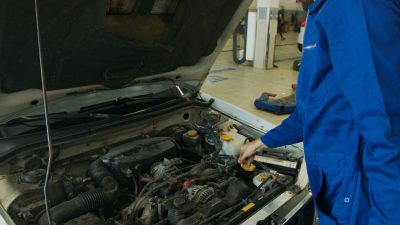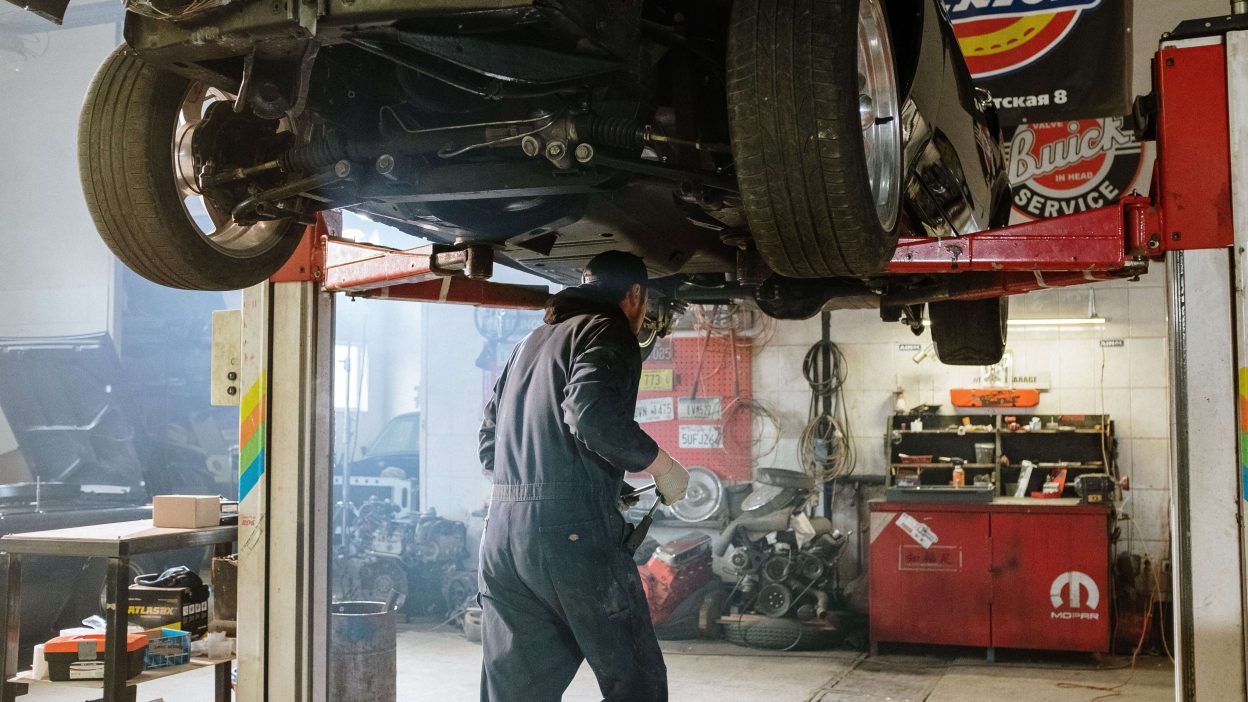
Garage Work Order Software helps auto repair shops manage every repair job from start to finish. Instead of using paper work orders, workshops can create digital repair requests, assign technicians, track job progress, manage spare parts, and generate invoices from one platform. This improves efficiency, reduces paperwork, and delivers a better customer experience.
Whether you own a small garage or a large service center, using Garage Work Order Software can help you organize daily operations and complete repairs more efficiently.
In this guide, you’ll learn how Garage Work Order Software works, its key features, and why it is an essential solution for modern auto repair businesses.
Table of Contents
What Is Garage Work Order Software?
Garage Work Order Software is a digital solution that helps workshops create, assign, monitor, and complete repair orders electronically. It stores customer details, vehicle information, repair tasks, technician updates, labour charges, and service history in one secure platform.
This makes repair management faster, more accurate, and easier for the entire workshop team.
1. Create Digital Work Orders

Paper work orders can be lost or damaged. Digital work orders keep every repair organized and easy to track.
- Add customer details.
- Record vehicle information.
- Create repair tasks.
- Upload inspection photos.
- Track repair progress.
This is one of the biggest benefits of Garage Work Order Software.
2. Assign Jobs to Technicians
Managers can assign repair work based on technician availability and skills.

- Balance workloads.
- Reduce delays.
- Track technician progress.
- Improve productivity.
Clear task assignment helps every repair move smoothly through the workshop.
3. Track Every Repair Stage
Digital work orders make it easy to monitor each repair from inspection to vehicle delivery.
- Inspection completed.
- Estimate approved.
- Repair in progress.
- Quality check completed.
- Vehicle ready for delivery.
Garage Work Order Software provides complete visibility throughout the repair process.
4. Connect Work Orders with Inventory

Work orders can automatically record spare parts used during repairs.
- Track inventory usage.
- Reduce stock errors.
- Monitor part availability.
- Update inventory automatically.
This helps workshops manage repairs and inventory together.
5. Generate Accurate Invoices
Once repairs are completed, billing becomes much easier.
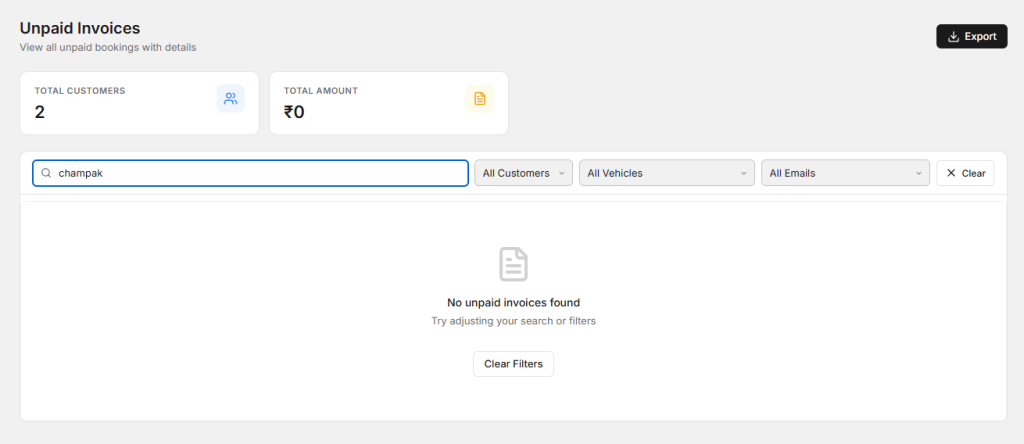
Garage Work Order Software automatically creates invoices using:
- Labour charges.
- Spare parts.
- Additional services.
- Taxes and discounts.
This reduces billing errors and saves valuable time.
6. Improve Customer Communication
Customers appreciate regular updates about their vehicle.
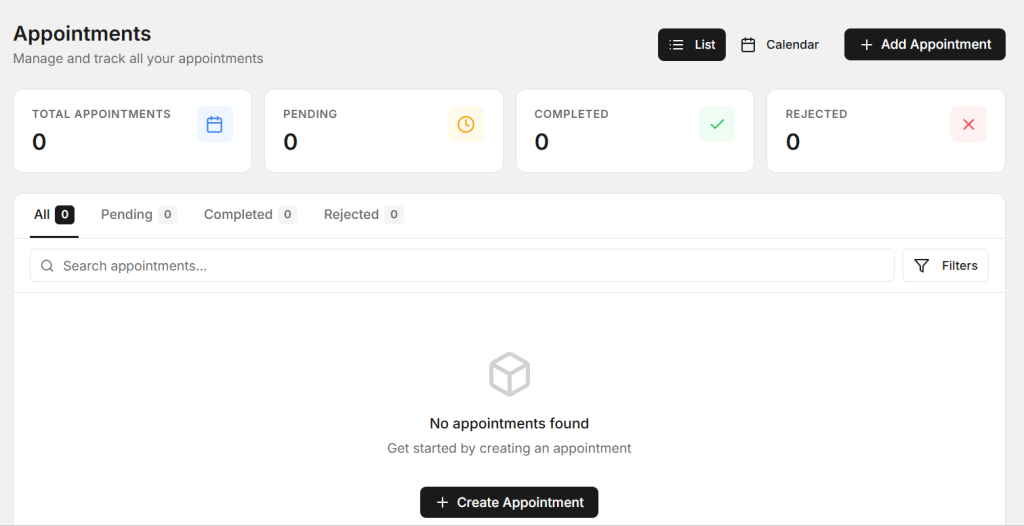
Workshops can automatically send:
- Appointment reminders.
- Repair progress updates.
- Estimate approvals.
- Invoices.
- Service reminders.
Better communication increases customer satisfaction and trust.
7. Monitor Workshop Performance
Business reports help workshop owners understand daily performance.
- Total repair jobs.
- Completed work orders.
- Pending repairs.
- Technician productivity.
- Daily revenue.
- Customer history.
These reports help you get the most value from your Garage Work Order Software.
How AutoDots Simplifies Work Order Management
AutoDots is a cloud-based Garage Work Order Software built for modern auto repair businesses. It includes Digital Job Cards, online appointment booking, technician management, inventory tracking, invoicing, workflow management, customer records, and business reporting in one platform.
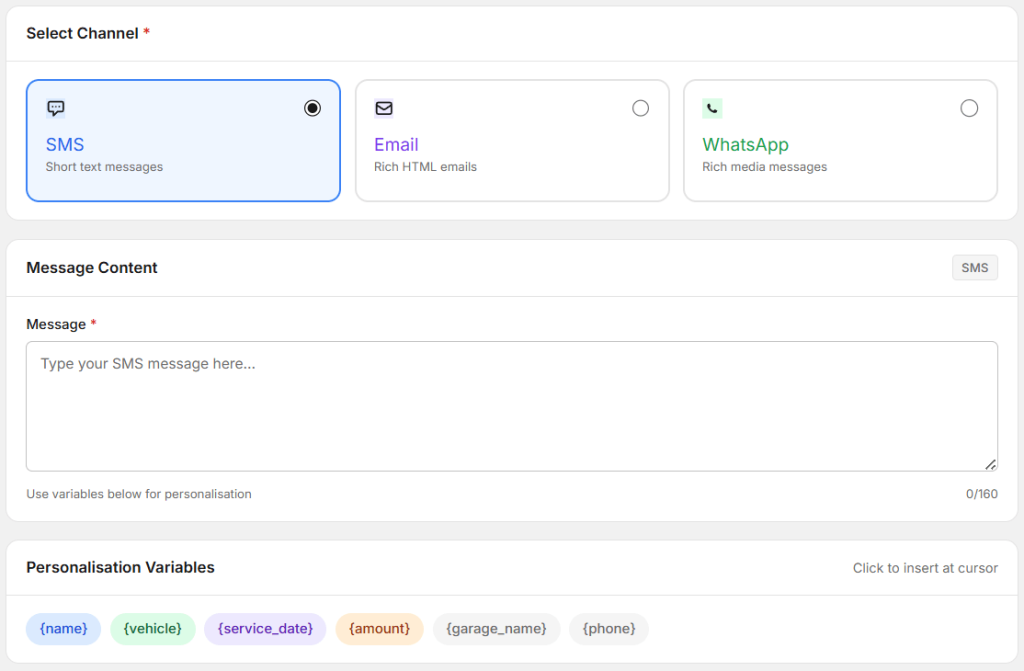
AutoDots also supports automated WhatsApp, SMS, and email communication. Workshops can automatically send repair updates, estimates, invoices, appointment reminders, and service reminders, making customer communication faster and more professional.
Grow Your Workshop with AutoDots
Efficient repair management is important, but attracting new customers is equally essential for business growth.
Through the AutoDots Partner Program, your workshop receives a verified business profile, online appointment booking, customer reviews, and visibility on the AutoDots marketplace. This helps more vehicle owners discover your garage, schedule repairs online, and choose your workshop with confidence.
Tips for Choosing Garage Work Order Software
- Choose cloud-based software.
- Support Digital Job Cards.
- Track repair progress.
- Integrate inventory management.
- Connect with invoicing.
- Provide business reports.
- Allow technician assignment.
- Be easy for your team to use.
Selecting the right Garage Work Order Software helps improve workflow, reduce paperwork, and increase workshop productivity.
Frequently Asked Questions
What is Garage Work Order Software?
It is software that helps garages create, manage, and track repair work orders digitally from start to finish.
Can it replace paper work orders?
Yes. Digital work orders reduce paperwork, improve organization, and make repair tracking easier.
Is it suitable for small workshops?
Yes. It is designed for both small garages and large auto repair businesses.
Does AutoDots include work order management?
Yes. AutoDots includes Digital Job Cards, work order management, appointment scheduling, inventory management, invoicing, technician tracking, and customer communication.
Why should I use Garage Work Order Software?
It helps improve repair tracking, reduce manual work, increase technician productivity, and deliver better customer service.
Conclusion
Garage Work Order Software helps workshops manage every repair efficiently from vehicle check-in to final delivery. By replacing paper processes with a digital solution, garages can improve productivity, reduce errors, streamline billing, and enhance customer communication. A cloud-based platform like AutoDots gives workshop owners everything they need to manage repairs and grow their business with confidence.
For additional workshop technology insights and automotive industry updates, visit the Autodots Blog.