
Managing a busy workshop can become difficult when customer details, service bookings, job updates, parts, invoices, and payments are handled in different places. As the number of vehicles grows, even small delays can affect the whole team. A simple digital system can make daily work easier and give everyone a clearer view of what needs to be done.
With service shop software, workshop owners and teams can bring important daily tasks into one organized workflow. It can help staff manage customer information, schedule jobs, follow repair progress, track parts, and keep service records easy to find. The result is a smoother process for both employees and customers.
Here are six simple ways a modern system can help you manage your workshop more effectively.
Table of Contents
1. Keep Customer and Vehicle Records Organized
A workshop handles a large amount of customer information every day. Vehicle details, contact information, service history, repair notes, and previous invoices can quickly become difficult to manage when they are stored in notebooks or separate spreadsheets.
Service shop software can keep these details in one place. When a customer comes back, your team can quickly find the vehicle record and review previous work. This means employees do not have to ask the customer the same basic questions every time they visit.
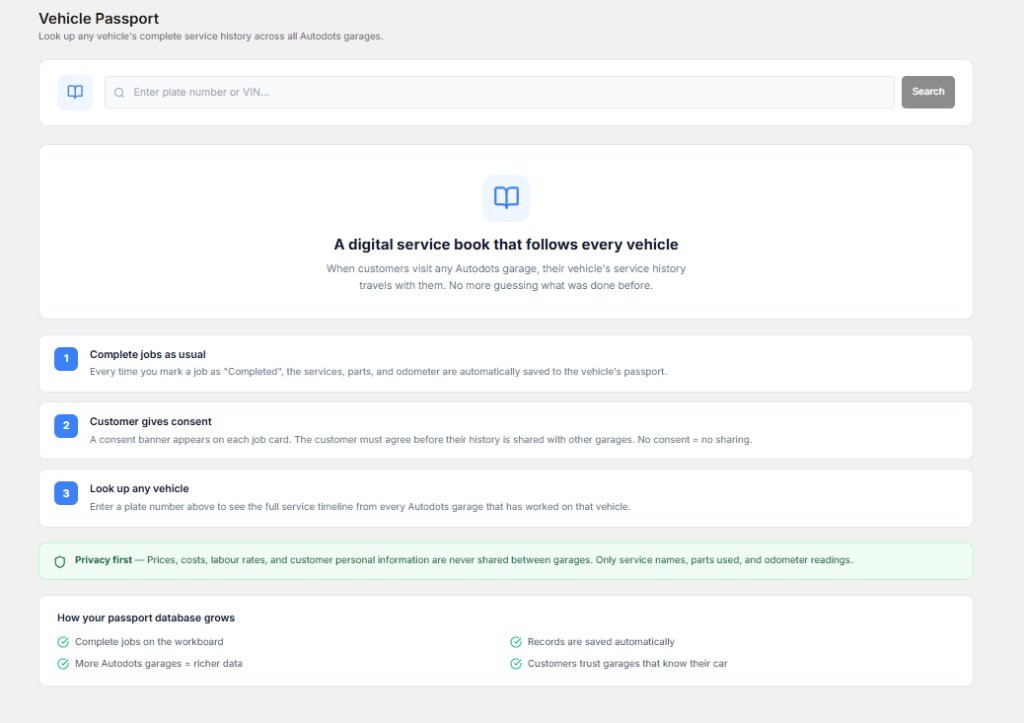
Having a clear service history can also help technicians understand the vehicle better. They can see what work was completed before and check whether a similar issue has been reported previously.
For customers, this creates a more professional experience. They can feel that the workshop knows their vehicle and understands its service needs.
2. Make Workshop Scheduling Simpler
Scheduling is one of the most important parts of workshop management. Too many bookings at the same time can put pressure on technicians, while empty time slots can reduce the amount of work your workshop completes.
Using service shop software can give your team a clearer view of upcoming appointments and active jobs. Staff can see what is planned for the day and prepare for vehicles before they arrive.
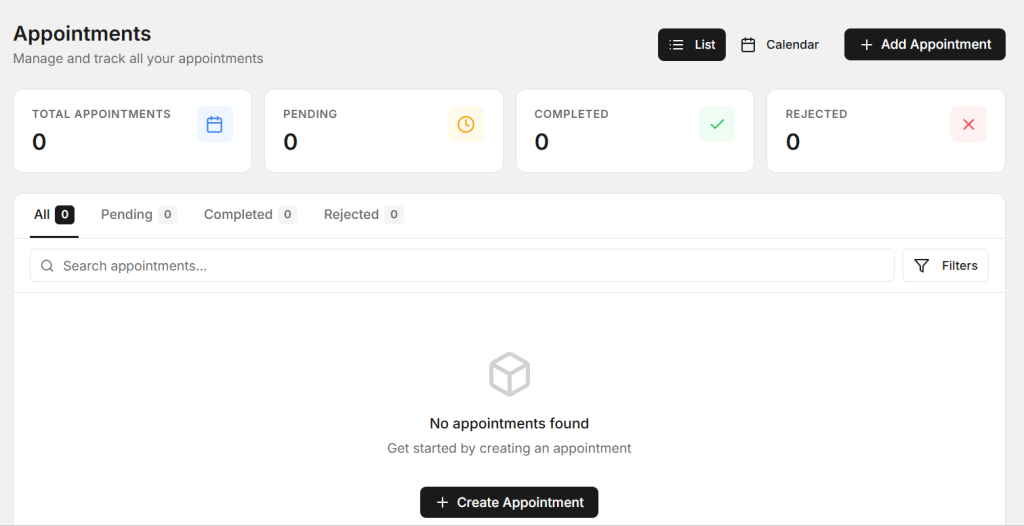
A well-organized schedule can also help avoid confusion between the front desk and technicians. Everyone can work from the same information instead of depending on handwritten notes or verbal updates.
Appointment reminders can provide another useful benefit. Customers are less likely to forget their scheduled visit when they receive a timely reminder. This can help reduce missed appointments and keep the workshop schedule more predictable.
3. Track Every Job From Start to Finish
In a busy workshop, several vehicles may be at different stages of service at the same time. One may be waiting for inspection, another may be under repair, and another may already be ready for pickup.
Service shop software can help your team track the status of each job. Staff can quickly understand which vehicles are waiting, which jobs are being worked on, and which vehicles are ready.

This can reduce unnecessary interruptions between technicians and front-desk employees. Instead of asking for updates repeatedly, staff can check the current job status and provide customers with more accurate information.
Clear job tracking is also useful when a repair takes longer than expected. Your team can update the customer and explain the situation before the delay becomes a complaint.
4. Manage Parts and Workshop Inventory
Parts management can be challenging when a workshop handles many different repairs. If a required part is not available, the vehicle may remain in the workshop longer than planned. On the other hand, keeping too many unnecessary parts can tie up money and storage space.
A good system can help staff keep track of parts used during different jobs. Service shop software can make it easier to know what is available and identify items that may need to be ordered.

Better inventory visibility can help your team prepare for upcoming work. When a customer books a service that requires specific parts, staff can check availability before the appointment.
This simple step can prevent avoidable delays and help technicians spend more time working instead of waiting for parts.
5. Make Invoices and Payments More Organized
Billing is another area where manual processes can create problems. A workshop invoice may include labor, parts, taxes, discounts, and additional services. When these details are entered manually in different places, mistakes can happen.
Service shop software can connect job information with billing details. Once the work is completed, staff can prepare an invoice based on the services and parts recorded for that vehicle.
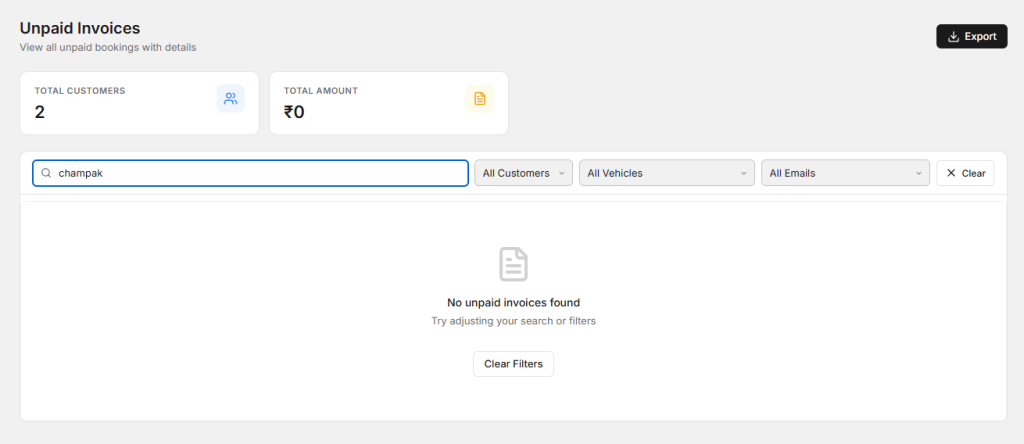
A clear invoice helps customers understand what they are paying for. It can show the work completed, parts used, and final amount in a simple format.
Organized billing can also make it easier for owners and managers to review payments and business records later. This can save time when checking previous transactions or preparing financial information.
6. Use Reports to Understand Your Workshop
Good workshop management is not only about completing today’s jobs. Owners also need to understand how the business is performing over time.
With service shop software, useful business information can be easier to review. Depending on the platform, reports may help you understand service volume, revenue, popular repairs, parts usage, and other important activity.
These insights can support better decisions. For example, if a certain service becomes more popular during a particular season, you can prepare your team and inventory before demand increases.
Reports can also help identify areas where the workshop may be losing time. If some jobs regularly take longer than expected, managers can review the process and look for ways to improve it.
Why a Simple Digital Workflow Matters
The biggest benefit of using one organized system is that different workshop tasks can work together. Customer records can support scheduling. Scheduling can connect with job tracking. Job details can support parts usage and billing. Business reports can then provide a wider view of the workshop.
This connected workflow can reduce repeated data entry and make information easier to access. It can also help employees spend less time searching for details and more time helping customers.
The goal is not to make the workshop more complicated. The goal is to remove unnecessary steps from everyday work.
What Should You Check Before Choosing a Workshop System?
Every workshop has different needs, so it is important to choose a system that matches the way your team works. Start by listing the tasks that take the most time today.
When comparing service shop software, look for features that can support your daily workflow without making it difficult for employees to learn and use the platform.
Consider customer management, appointment scheduling, job tracking, inventory, invoicing, reporting, and user access. You should also think about whether the platform can support your business as it grows.
Easy-to-understand screens and simple workflows are especially useful in a busy workshop. Your technicians and front-desk employees should be able to use the system without spending too much time learning complicated processes.
You can also explore the AutoDots Partners page to learn more about the AutoDots ecosystem and its business connections.
How Can You Help Your Team Adopt a New System?
Introducing new technology does not have to be difficult. Start by explaining the main problems the new system is expected to solve. Your team is more likely to accept the change when they understand how it can make their daily work easier.
Give employees practical training based on real workshop situations. Show them how to create a customer record, schedule an appointment, update a job, record parts, and complete an invoice.
It is also helpful to introduce the most important features first. Once employees become comfortable with the basic workflow, you can gradually introduce additional tools and reports.
Ask your team for feedback during the first few weeks. Their experience can help you find small process improvements and make sure the system is being used correctly.
Frequently Asked Questions
What does workshop management software help with?
It can help manage customer records, vehicle information, appointments, repair jobs, parts, invoices, payments, and business reports from a more organized workflow.
Can it help reduce workshop delays?
It can help by giving staff better visibility into appointments, job progress, and parts availability. This makes it easier to identify problems early and keep work moving.
Is this type of system useful for a small workshop?
Yes. Small workshops can also benefit from organized customer records, scheduling, job tracking, and billing. A simple system can reduce manual work even when the team is small.
Can employees learn the system quickly?
A user-friendly platform should be easy to learn when employees receive practical training. Start with the features they use every day and introduce more advanced tools later.
Where can I find more automotive business tips?
You can visit the AutoDots Blog to explore more useful articles about automotive businesses, workshop operations, and digital tools.
Conclusion
Managing a workshop becomes easier when your team has a clear process for handling customers, vehicles, appointments, repairs, parts, and payments. Manual methods can work for a while, but they can become difficult to manage as the business grows.
The six methods in this guide provide a practical starting point. Keep customer records organized, improve scheduling, track jobs, monitor parts, simplify billing, and use reports to understand your business.
Service shop software can bring these activities into one organized workflow and help your team work with fewer unnecessary steps. The right system should support your employees rather than create more work.
Take the Next Step
Start by looking at your current workshop process. Find the areas where your team spends the most time or where mistakes happen most often. Then look for a digital solution that can make those tasks simpler.
A more organized workshop can help employees work confidently, keep customers informed, and create a smoother experience from the first appointment to the final payment.