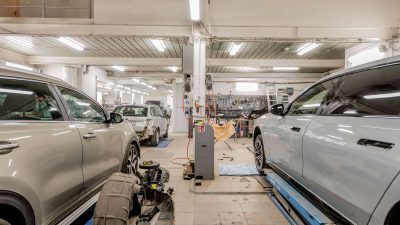
Auto Repair Workflow is the step-by-step process your workshop follows from the moment a customer books an appointment until the vehicle is delivered. A well-organized workflow helps reduce delays, improve technician productivity, minimize paperwork, and deliver a better customer experience. Garages with efficient workflows complete more repairs, reduce errors, and increase profitability.
Whether you operate a small independent garage or a large multi-bay workshop, improving your workflow can help your business run more smoothly every day.
In this guide, you’ll learn how to optimize your Auto Repair Workflow, improve efficiency, and grow your garage with modern digital tools.
Table of Contents
What Is an Auto Repair Workflow?
An Auto Repair Workflow is the complete journey of every repair job, including appointment scheduling, vehicle inspection, repair planning, technician assignment, parts management, invoicing, and customer communication.
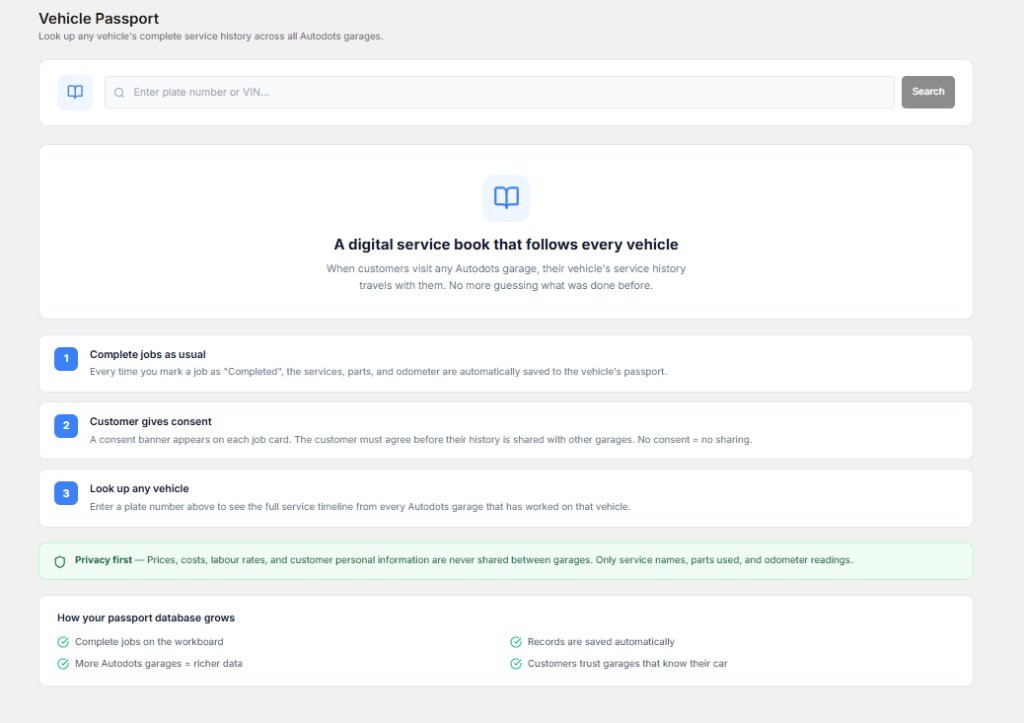
Having a standardized workflow ensures every repair follows the same organized process while reducing mistakes and improving service quality.
1. Start with Online Appointment Booking
The first step in an efficient Auto Repair Workflow is allowing customers to book appointments online.
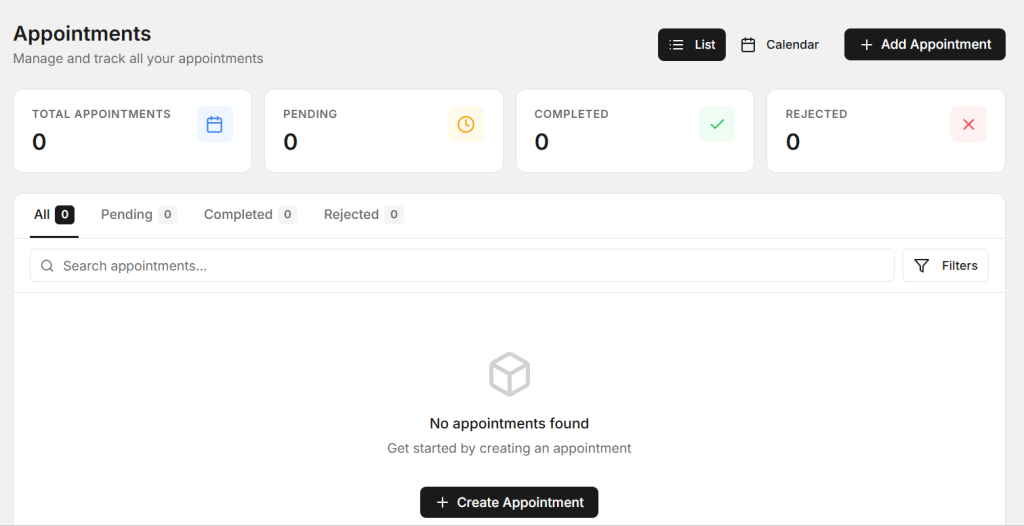
- Reduce phone calls.
- Avoid double bookings.
- Manage workshop capacity.
- Plan technician schedules.
- Improve customer convenience.
2. Create Digital Job Cards

Digital Job Cards replace paper forms and allow technicians to access repair information instantly.
- Record customer details.
- Add vehicle information.
- Upload inspection photos.
- Track repair progress.
- Store complete service history.
Digital Job Cards are an essential part of a modern Auto Repair Workflow.
3. Assign Jobs to Technicians
Assigning repairs based on technician skills and availability improves labour efficiency.
Managers can monitor workloads, reduce idle time, and balance repair assignments more effectively.
4. Track Spare Parts

Inventory management plays a major role in maintaining a smooth Auto Repair Workflow.
- Monitor stock levels.
- Track parts usage.
- Receive low-stock alerts.
- Avoid repair delays.
- Reduce unnecessary inventory costs.
5. Keep Customers Updated
Customers appreciate regular communication during the repair process.
Automatically sending repair updates, estimate approvals, invoices, and service reminders improves trust and customer satisfaction.
6. Generate Professional Invoices
Digital invoicing saves time while reducing billing errors.
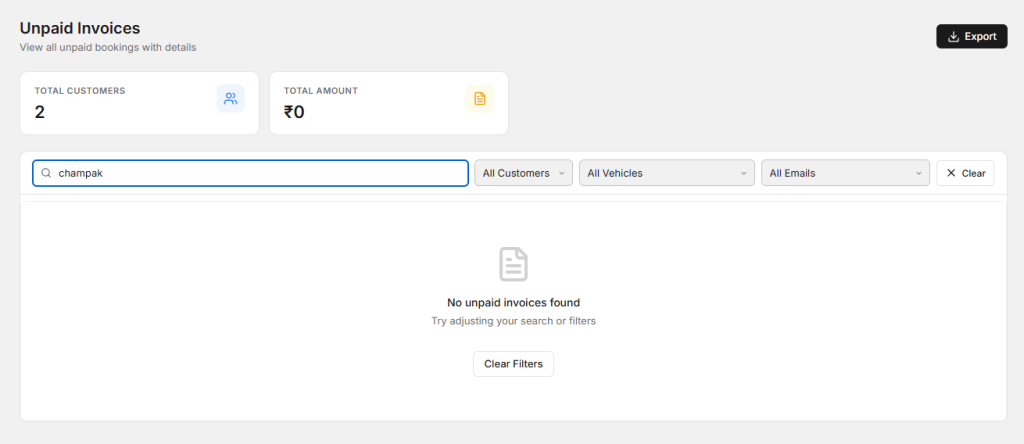
Invoices can automatically include labour charges, spare parts, taxes, and discounts, making the final billing process faster and more accurate.
7. Review Business Performance
Every successful Auto Repair Workflow includes regular business reporting.
Monitor important metrics such as:
- Daily revenue.
- Technician productivity.
- Appointment utilization.
- Vehicle turnaround time.
- Customer retention.
- Inventory movement.
- Outstanding invoices.
- Workshop profitability.
How AutoDots Simplifies Auto Repair Workflow
AutoDots is a cloud-based garage management platform built to improve your Auto Repair Workflow. It combines Digital Job Cards, online appointment booking, technician management, workflow tracking, inventory management, invoicing, customer records, and business reporting in one easy-to-use platform.
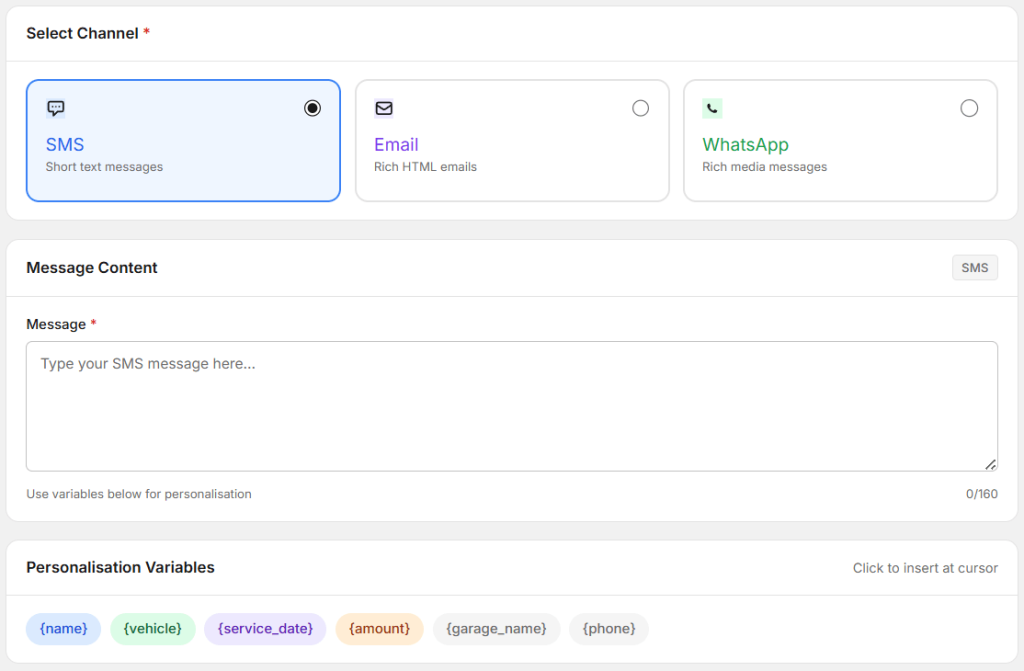
AutoDots also supports automated WhatsApp, SMS, and email communication, allowing workshops to send appointment reminders, repair updates, estimates, invoices, and service reminders automatically. This reduces manual work while improving customer satisfaction.
Grow Your Workshop with AutoDots
Managing repairs efficiently is only part of growing your business. Customers also need an easy way to discover and book your workshop.
Through the AutoDots Partner Program, your workshop receives a verified business profile, online appointment booking, customer reviews, and increased visibility on the AutoDots marketplace. Vehicle owners can easily find your garage, schedule appointments online, and choose your workshop with confidence through verified customer reviews.
Best Practices for Auto Repair Workflow
- Digitize repair records.
- Use online appointment booking.
- Track technician performance.
- Automate customer communication.
- Monitor inventory regularly.
- Review business reports weekly.
- Reduce paperwork.
- Continuously improve repair processes.
Following these best practices will help optimize your Auto Repair Workflow while increasing workshop efficiency and customer satisfaction.
Frequently Asked Questions
What is an Auto Repair Workflow?
It is the complete process of managing a repair job from appointment booking to vehicle delivery.
Why is workflow important for garages?
An organized workflow improves efficiency, reduces delays, minimizes errors, and increases customer satisfaction.
How do Digital Job Cards improve workflow?
They reduce paperwork, improve repair tracking, and provide technicians with real-time access to repair information.
How does AutoDots improve Auto Repair Workflow?
AutoDots combines Digital Job Cards, appointment scheduling, technician tracking, inventory management, invoicing, workflow automation, customer communication, and business reporting in one cloud-based platform.
Can small garages benefit from workflow software?
Yes. Modern workflow software helps workshops of every size become more organized, productive, and profitable.
Conclusion
Auto Repair Workflow is the foundation of an efficient and profitable garage. By organizing every stage of the repair process—from appointment booking and Digital Job Cards to technician management, inventory control, invoicing, and customer communication—workshops can reduce delays, improve service quality, and increase profitability. AutoDots provides all the tools needed to build a smarter Auto Repair Workflow and support long-term business growth.
For additional workshop technology insights and automotive industry updates, visit the Autodots Blog.